Let someone else hold your key.
Don’t rely on yourself to lock your apps.
Friends you invite join free.


- Built on Apple Screen Time
- No email or phone number
- Your app list stays on your iPhone
Azukari locks the apps you pick. A friend holds the key until you ask for it back.
How it works
Lock it once. Let them hold it.
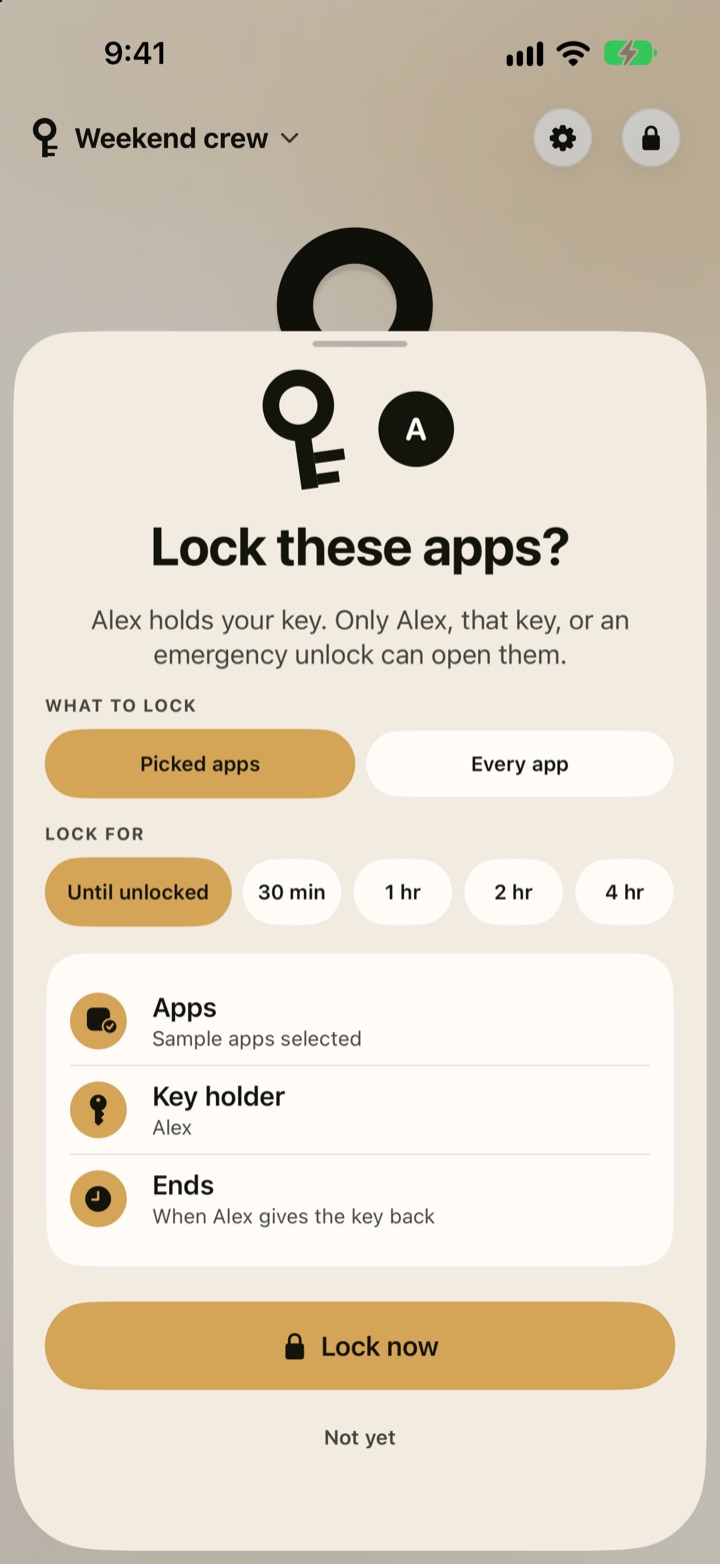
1Pick your apps
Pick what stays closed and when.
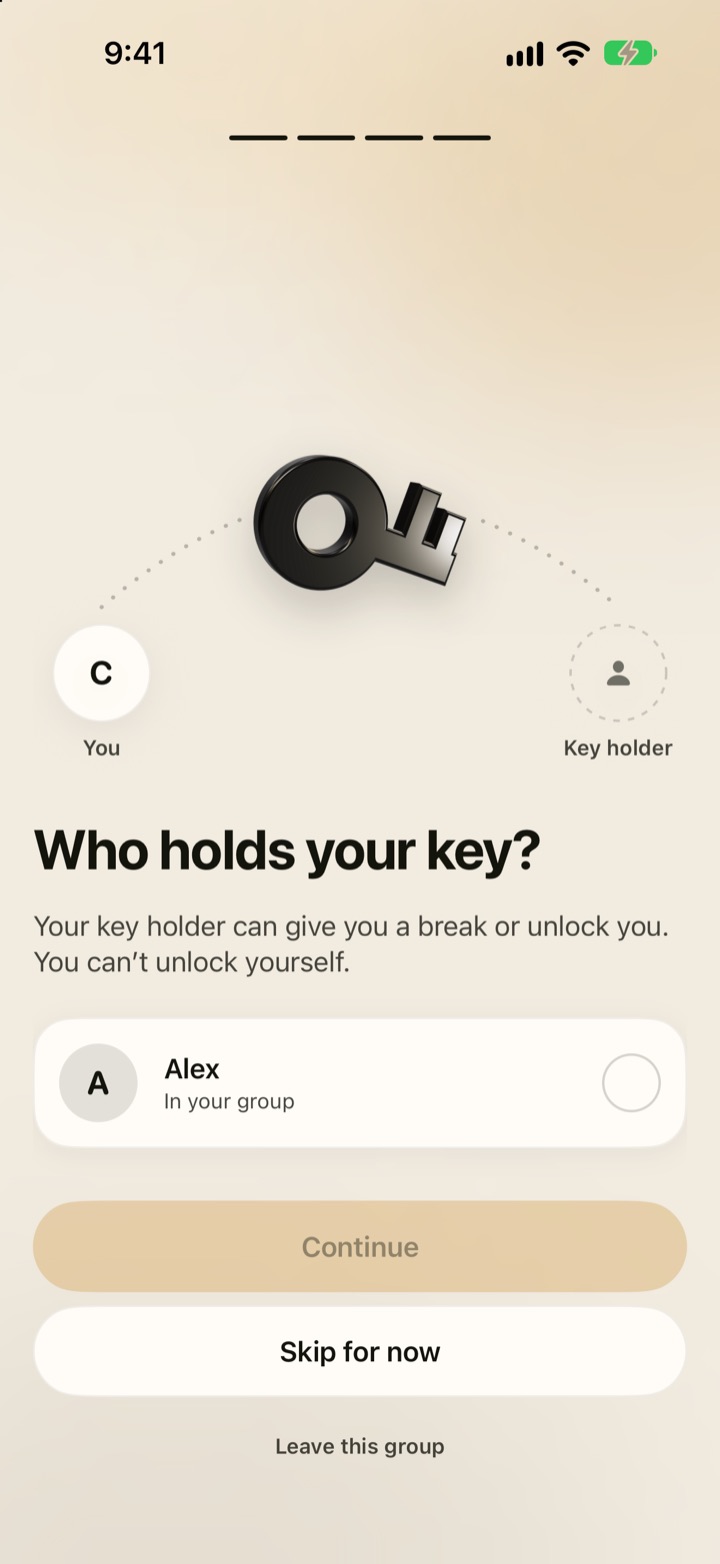
2Hand over the key
A friend holds the key. You can’t unlock yourself.
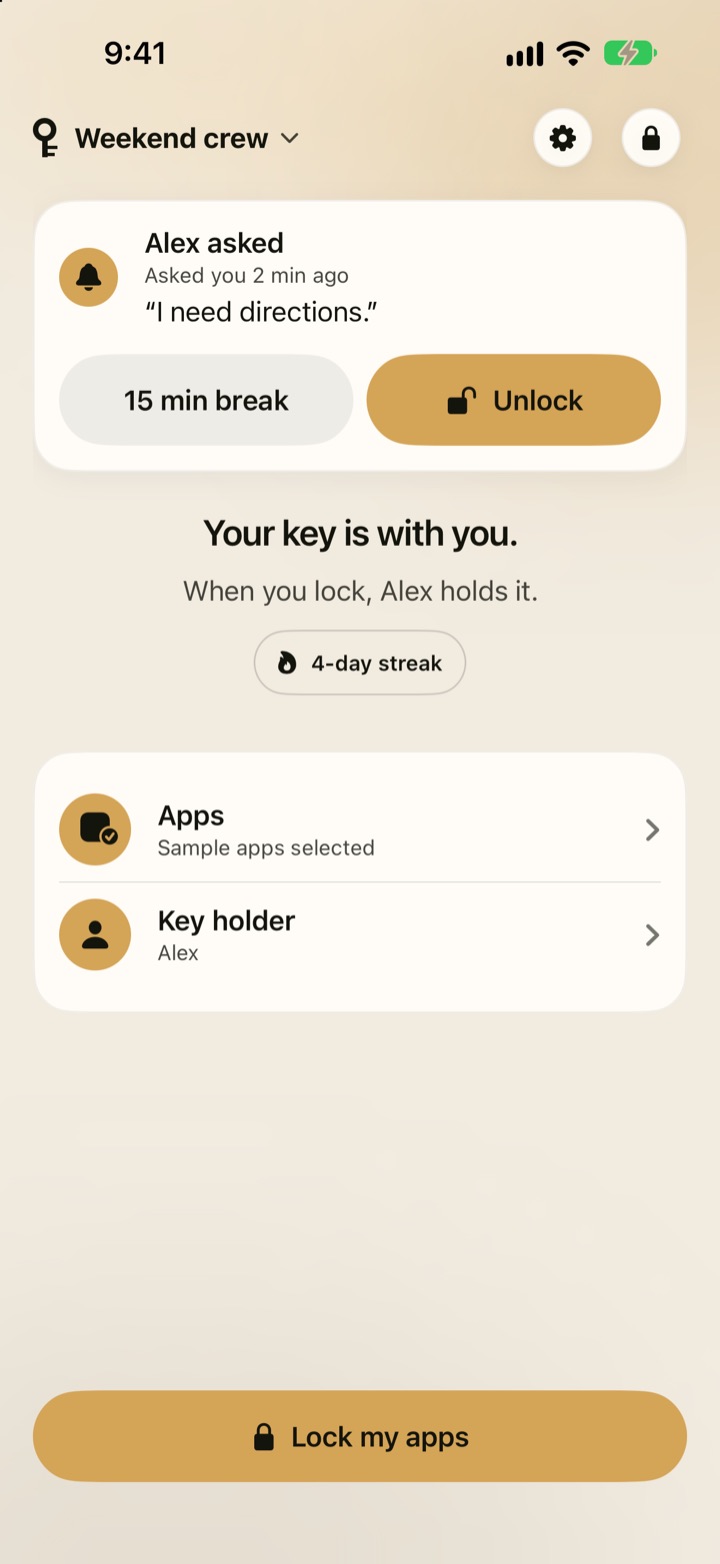
3Ask to get back in
Ask your friend for a break or your key back.

Who it’s for
Better with someone on your side
One person creates the group. Everyone they invite joins free.
Friends
Hold each other’s keys. Lock together for work, study, or bedtime.
Families
Parents set the lock times and hold the keys. Kids can ask for a break. Family locks
Privacy
Private by default
No email or phone number needed. Your app list stays on your iPhone. Privacy details
FAQ
Questions, answered
Can I unlock my own apps?
No. Your key holder unlocks you or gives you a break. A timed lock ends at the time you picked. Friends also get a few emergency unlocks.
Do my friends have to pay?
No. Only the person who creates the group subscribes. Everyone they invite joins free, locks free, and holds keys free.
Does Azukari see which apps I lock?
No. You pick apps in Apple’s Screen Time picker, and that list stays on your iPhone.
Can I delete Azukari to get out of a lock?
A lock on every app also blocks deleting apps, so deleting Azukari cannot lift it.
What do I need?
An iPhone with iOS 17 or later. Azukari uses Apple’s Screen Time to lock apps.
Hand someone your key.
Pick your apps. Pick your person. Friends you invite join free.
Download on the App Store